
SERVICE OVERVIEW
Excel
Custom Builds
A Better Way to Run on Excel
Most teams don’t need “more reporting.” They need fewer steps, cleaner data, and a tool that updates itself. Our Excel Custom Builds service is a project-based build process where we design custom Excel tools, reporting systems, and automations that remove copy-paste work and give your team back hours every week.
This isn’t a help desk. It’s a transformation of how work moves through your business.
Best For
- Teams stuck in repetitive reporting, weekly exports, and manual cleanup
- Operations, finance, sales, service, and admin teams living in Excel every day
- Businesses that have data in multiple systems and need it unified into one view
- Leaders who want reliable numbers without “spreadsheet hero” dependency
Not Ideal For
- “Quick fixes” with no desire to change the workflow
- Teams who want prettier formatting but still plan to do everything manually
- Anyone looking for a one-size-fits-all template to force-fit messy processes
The Spreadsheet Bottleneck
Most companies rely on Excel… but use it like a calculator instead of a system.
(01)
Reports take hours because everything is stitched together slowly & manually
(02)
Results are inconsistent because the process depends on human memory
(03)
Formula errors, messy layouts, & good luck making changes without breaking things
Powerful Excel Tools Built Right
"Excel Custom Builds are the fastest way to get powerful Excel tools built for YOUR business.”
We don’t build spreadsheets. We engineer tools your business can run on:
- automated inputs (imports, Power Query, structured data)
- standardized calculations and definitions
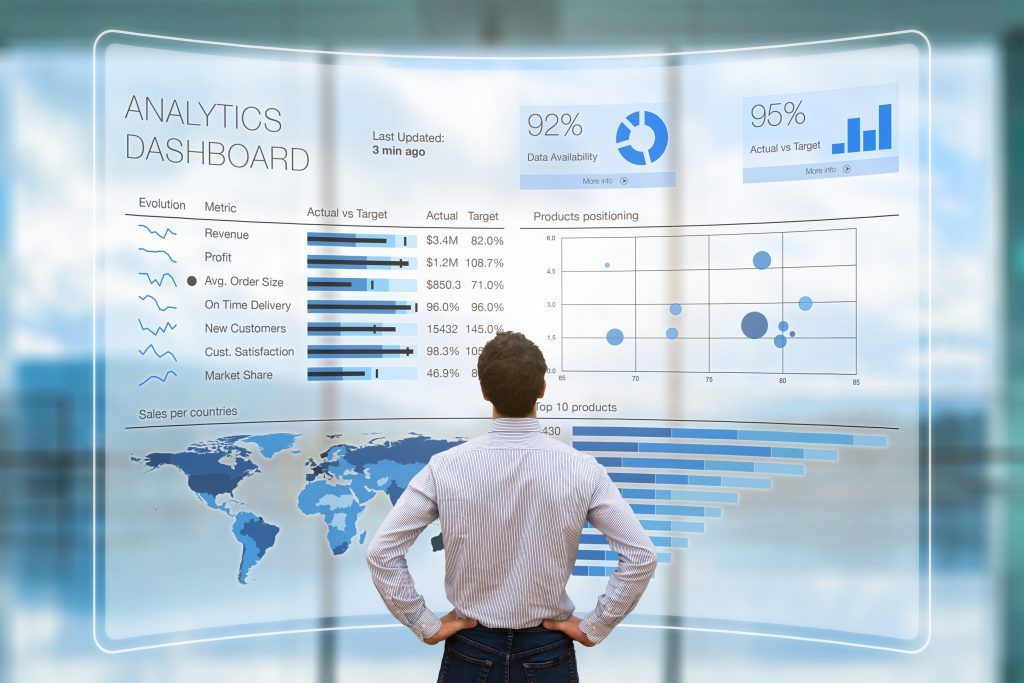
- dashboards that update on refresh
- buttons that run your process in one click
The result is a tool that’s simple for your team to use and hard to break.
How It Works
5 Steps to a Self-Updating Excel System
01
1.
Workflow Audit
Workflow Audit
We map what you’re doing now (and where time gets burned): inputs, handoffs, approvals, and reporting cadence.
02
2.
Data Standardization
Data Standardization
We define the source of truth, normalize fields, remove duplicates, and create consistent logic so your outputs are dependable.
03
3.
Automation Build
Automation Build
We automate the transformation, calculation, and distribution steps using the right mix of formulas, Power Query, and VBA when needed.
04
4.
Interface Design
Interface Design
We build the front-end your team actually uses: clean dashboards, guided data entry, validation, and buttons that run tasks in seconds.
05
5.
Handoff & Enablement
Handoff & Enablement
You get SOPs, training, and a maintainable structure so your team can operate confidently without calling you every time Excel sneezes.
What You Get
Custom Excel Tools & Dashboards
Built around your workflow, not a generic template.
Automated Reporting Pipelines
Refresh instead of rebuild. Pull, clean, and output in one motion.
Clean Data Structure
Consistent definitions, standardized fields, and logic that stays intact over time.
Error-Proof Inputs
Validation, guardrails, and protections that prevent “silent spreadsheet failure.”
Documentation & Training
Clear instructions, a handoff guide, and team enablement so you’re not dependent on one person.
Outcomes & Impact
- Reduce reporting time from hours to minutes
- Eliminate recurring errors from manual handling
- Create repeatable processes that scale
- Increase
confidence in numbers across departments
- Free up time for
higher-value work
Monthly Close Reporting Nightmare → A One-Click Refresh System
THE RESULT
Leadership got reliable reporting on demand, manual effort dropped dramatically, and the team stopped spending end-of-month days in spreadsheet triage.
THE PROBLEM
(Sound Familiar?)
Monthly reporting required pulling data from multiple sources, cleaning it by hand, and rebuilding and distributing the same reports every month.
THE APPROACH
We standardized the inputs, created a single data model, automated transformations in Power Query, and built a dashboard that refreshes outputs automatically.